What Are CAT Tools — And Why Does Every Professional Translator Need One?
If you have ever wondered how professional translators manage to deliver millions of words per year without sacrificing quality, the answer almost always comes down to three letters: CAT. Computer-Assisted Translation tools have fundamentally transformed the language industry, and understanding them is essential for anyone who works with multilingual content — whether you are a freelance translator, a language service provider, or a global business managing product documentation.
CAT tools are not the same as machine translation. They do not automatically translate your text. Instead, they give human translators a powerful, structured environment in which they can work faster, more consistently, and with far fewer errors. At the heart of every CAT tool are two core components: Translation Memory (TM) and the Termbase. Once you understand how these two features work, everything else in the translation industry starts to make sense.
Translation Memory: Your Ever-Growing Library of Approved Language
A Translation Memory is essentially a database that stores every sentence — or more precisely, every segment — that you have ever translated, paired with its approved translation. The moment you confirm a translated segment in your CAT tool, it is saved to your TM. The next time a similar or identical sentence appears — whether in the same document or a completely different project months later — the tool automatically retrieves that approved translation and presents it to you.
TM matches are typically classified by percentage:
- 100% match (exact match): The new segment is identical to one already in your TM. You can accept it instantly.
- Fuzzy match (typically 75–99%): The new segment is similar but not identical. The TM suggestion needs light editing.
- No match (below 50–75%): You translate from scratch, and the result is saved for future use.
For businesses with large volumes of recurring content — think software documentation, legal contracts, or product manuals that are updated regularly — TM can reduce the amount of new translation required by 30–70%. That directly translates into cost savings and faster turnaround times.
The Termbase: Ensuring Every Term Is Always Right
While Translation Memory works at the sentence level, the Termbase (also called a glossary or terminology database) works at the word and phrase level. A Termbase is a structured collection of approved terms — product names, technical vocabulary, brand-specific language — paired with their approved translations in every target language.
Why does this matter? Consider a software company that sells a product called "Dashboard Overview". Without a Termbase, different translators might render this as "Übersicht des Dashboards", "Dashboard-Überblick", or "Systemübersicht" in German. All three are defensible translations, but only one is the approved term. A Termbase ensures that every translator, every time, uses the correct, brand-approved equivalent — automatically highlighted inside the CAT tool as they work.
Good Termbases also store additional metadata: the context in which a term should be used, whether a term is forbidden, notes from subject-matter experts, and the date the term was approved. This turns your glossary from a simple word list into a living knowledge base that grows with your organisation.
Trados and Transit: The Industry Standards
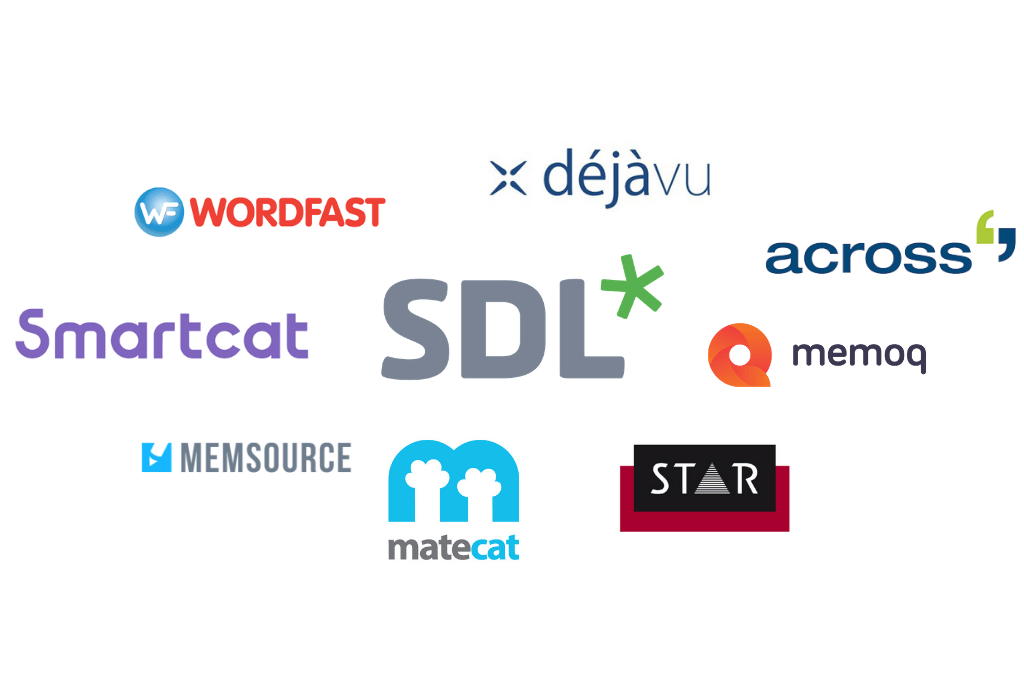
When professionals talk about CAT tools, two names come up constantly: SDL Trados Studio (now simply Trados) and Transit NXT by STAR Group. Both tools use TM and Termbase functionality at their core, but they have different file formats, different ecosystems, and different strengths.
Trados is the most widely used CAT tool globally. It stores bilingual data in .sdlxliff files and packages projects in .sdlppx archives. Its TM format is .sdltm and its Termbase format is .sdltb. Trados is especially dominant in the European market and is often a requirement listed in translation agency briefs.
Transit NXT is particularly strong in automotive, manufacturing, and highly regulated industries. It uses its own proprietary file formats and is known for its robust handling of complex terminology and tight integration with terminology management workflows.
One common challenge is that these tools produce files that are not always easy to open outside of their own ecosystem. A client who does not own Trados cannot simply open an .sdlxliff file to review the translation. This is where conversion tools become essential.
Converting CAT Tool Files to Word and Excel
At linigu.cloud, one of the most-used features is the conversion of Trados and Transit project files directly to Word and Excel formats. This solves a real, everyday problem in the translation industry.
Project managers need to send translations to reviewers who do not own a CAT tool. Clients need to see the translated content in a familiar format. Developers need the content in a spreadsheet to push to a CMS. In all of these cases, being able to instantly convert a .sdlxliff, .sdlppx, or Transit file into a clean .docx or .xlsx file saves hours of manual copy-paste work — and eliminates the risk of formatting errors that come with it.
The linigu.cloud file converter handles this conversion in seconds, without requiring you to install any software. You simply upload your CAT file and download the converted result. It works equally well for PDF conversion, making it a versatile tool for any translation or localization workflow.
Practical Tips for Building a Strong TM and Termbase
Knowing what TM and Termbases do is one thing. Building and maintaining them effectively is another. Here are some best practices:
- Start early. The sooner you begin saving translations to a TM, the more valuable it becomes. Even a small TM from a single project can generate matches on the next one.
- Keep your TM clean. A TM is only as good as the translations in it. Regularly audit and correct errors — bad translations get recycled just as efficiently as good ones.
- Maintain one master Termbase per client or domain. Fragmented glossaries lead to inconsistency. Centralise approved terminology and make it accessible to everyone on the project.
- Use penalty settings for unreliable TM sources. Most CAT tools allow you to apply a percentage penalty to matches from less-trusted TM databases, so translators know to review them more carefully.
- Integrate your Termbase into your QA process. Many CAT tools include automated Quality Assurance checks that flag segments where a Termbase term appears in the source but the approved target term is missing from the translation.
The Business Case: Real Numbers
Let's put some concrete numbers on what this means in practice. Suppose your company produces a 10,000-word product manual and pays a translation rate of €0.12 per word — a fairly standard market rate for European language pairs. That is €1,200 for a full translation.
Now suppose the manual is updated six months later and 60% of the content is unchanged (a very common scenario with versioned documentation). With a TM, those 6,000 unchanged words are either free (100% matches) or significantly discounted (fuzzy matches). Depending on your agreement with your translator or agency, you might pay as little as €0.03–0.05 per word for exact matches. Your cost on the update could drop to €300–500, a saving of 60–75% compared to translating everything from scratch.
Multiply this across multiple language pairs, multiple document updates per year, and multiple product lines, and the return on investment from a properly managed TM becomes obvious very quickly.
CAT Tools and the Future of Translation
The rise of neural machine translation (NMT) has added another layer to the CAT tool ecosystem. Many modern CAT tools now integrate machine translation as an additional suggestion source alongside TM matches. The translator reviews the machine translation output, edits it if necessary, and confirms the segment — a process known as post-editing.
This hybrid human-machine workflow is becoming the industry standard for high-volume, lower-stakes content, while TM and Termbase remain absolutely critical for maintaining quality and consistency across the full body of a client's translated content.
Whether you are just starting out with CAT tools or looking to optimise an existing workflow, tools like linigu.cloud can make the surrounding tasks — file conversion, PDF handling, image processing, and more — significantly easier, so you can focus on what matters most: delivering excellent translations.
Summary
CAT tools, Translation Memory, and Termbases form the backbone of modern professional translation. TM ensures that approved translations are reused consistently and that costs are reduced on repetitive content. The Termbase ensures that terminology is always correct and on-brand. Together, these two features turn a CAT tool from a simple text editor into a powerful productivity and quality engine. If you work with Trados or Transit files and need to share your work with clients or reviewers who do not have CAT tools installed, linigu.cloud offers fast, browser-based file conversion — no installation required.