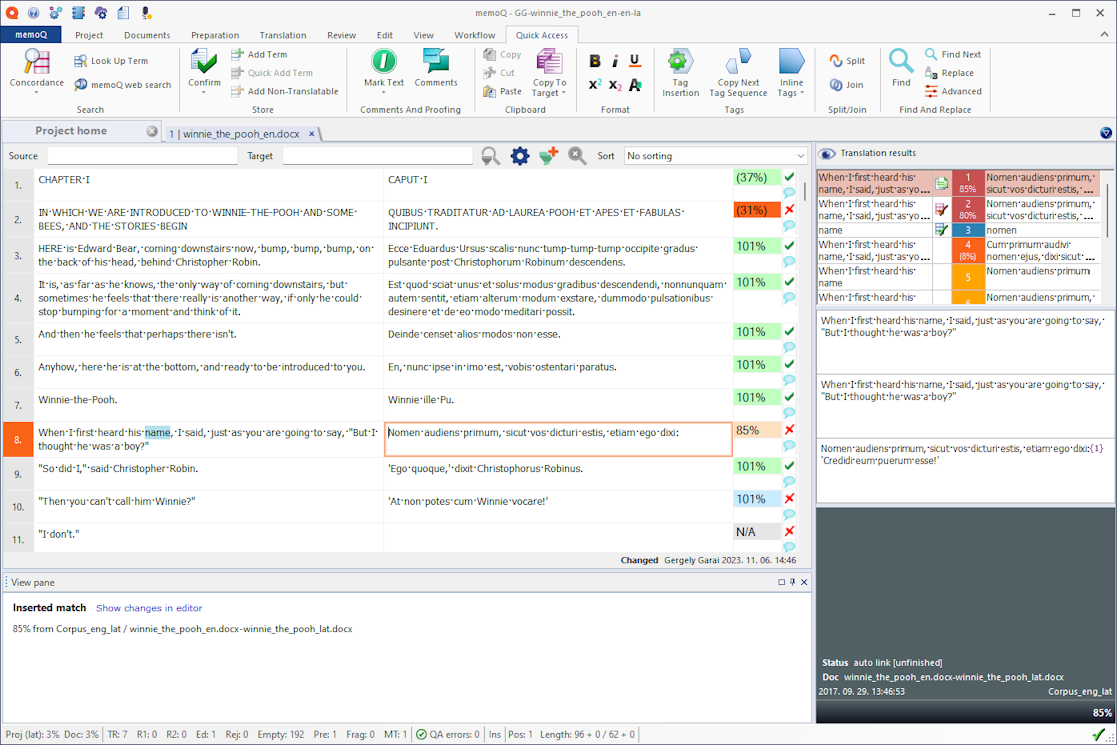

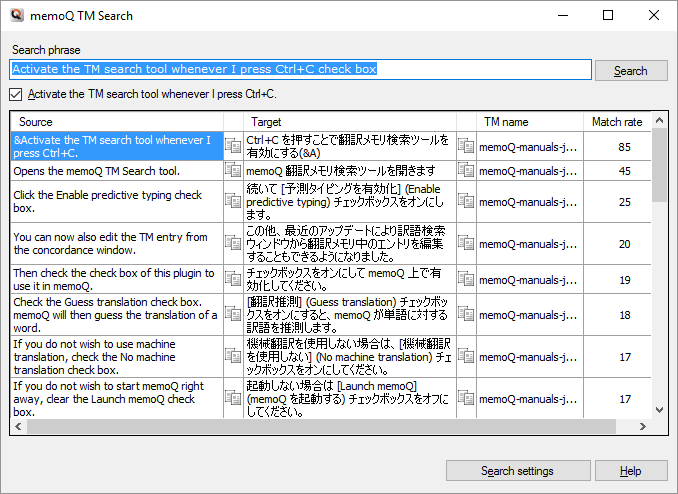
MemoQ is one of the most powerful CAT tools used by professional translators and language service providers. Like SDL Trados, MemoQ relies heavily on two core linguistic resources: Translation Memories (TM) and Termbases (TB).
Although both are essential for consistency and productivity, translators quickly discover a major difference when they try to export, convert, or analyze these resources outside MemoQ:
-
Translation Memories are relatively easy to export and convert
-
Termbases are complex, multi-layered, and difficult to handle
In this article, we will explain:
-
How MemoQ Translation Memories and Termbases work
-
Why TM files (XML, TMX) are easy to convert
-
Why MemoQ termbases are technically complex
-
How translators can instantly view MemoQ files as Word or Excel using the Linigu SDL Studio Converter, which also supports MemoQ formats with free registration
1. What Is a Translation Memory in MemoQ?
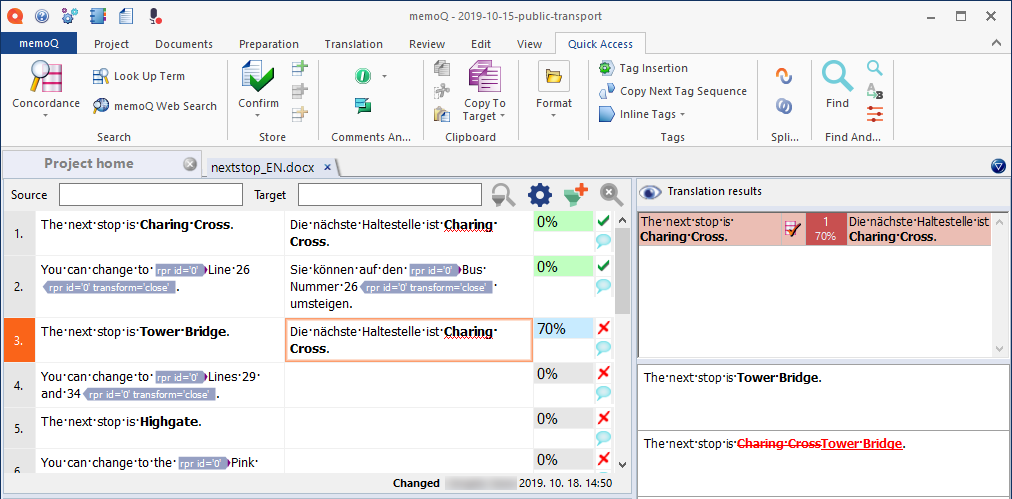
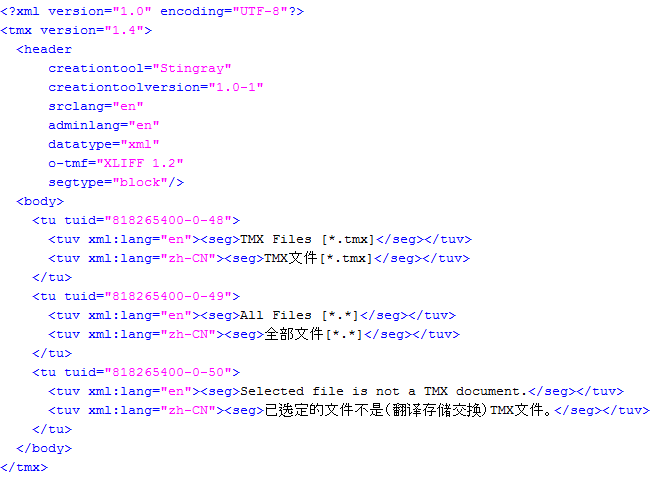
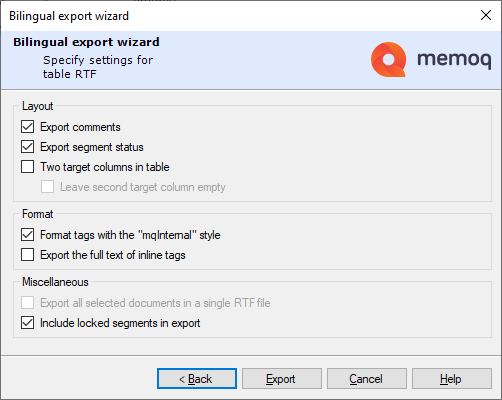
A Translation Memory in MemoQ is a bilingual (or multilingual) database that stores previously translated segments. Each entry typically contains:
-
Source segment
-
Target segment
-
Language pair
-
Metadata (date, user, project, match score)
MemoQ supports both its internal TM format and industry-standard formats.
Common MemoQ TM formats
-
TMX (Translation Memory eXchange)
-
XML-based exports
-
MemoQ internal TM databases
TMX is widely supported across CAT tools, which makes MemoQ Translation Memories:
-
Interoperable
-
Easy to export
-
Easy to convert into tabular formats
2. Why Translation Memories Are Easy to Convert
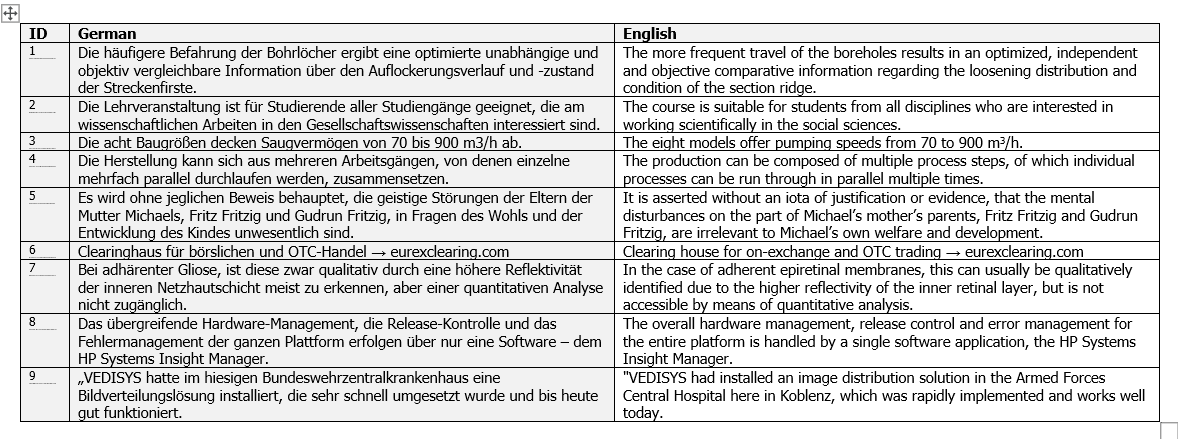
From a technical standpoint, Translation Memories are segment-based and linear. Each source segment is directly linked to its target segment.
This structure allows conversion tools to:
-
Extract bilingual text reliably
-
Preserve alignment
-
Output clean Word or Excel tables
Typical Excel output:
| Source | Target | Language Pair | Metadata |
|---|
For translators, this makes TM files ideal for:
-
Quality assurance
-
Terminology extraction
-
Client reviews
-
Linguistic audits
3. What Is a MemoQ Termbase?
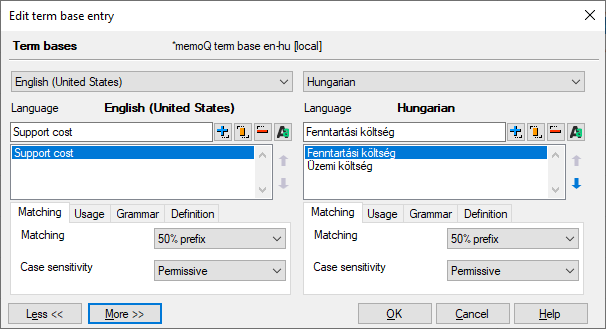
A Termbase in MemoQ is fundamentally different from a Translation Memory. Instead of storing full sentences, a termbase stores concepts.
Each concept may include:
-
Multiple languages
-
Preferred terms
-
Synonyms
-
Abbreviations
-
Usage notes
-
Client-specific terminology rules
Termbases are designed to enforce terminology, not just suggest translations.
4. The Hidden Layers Inside MemoQ Termbases
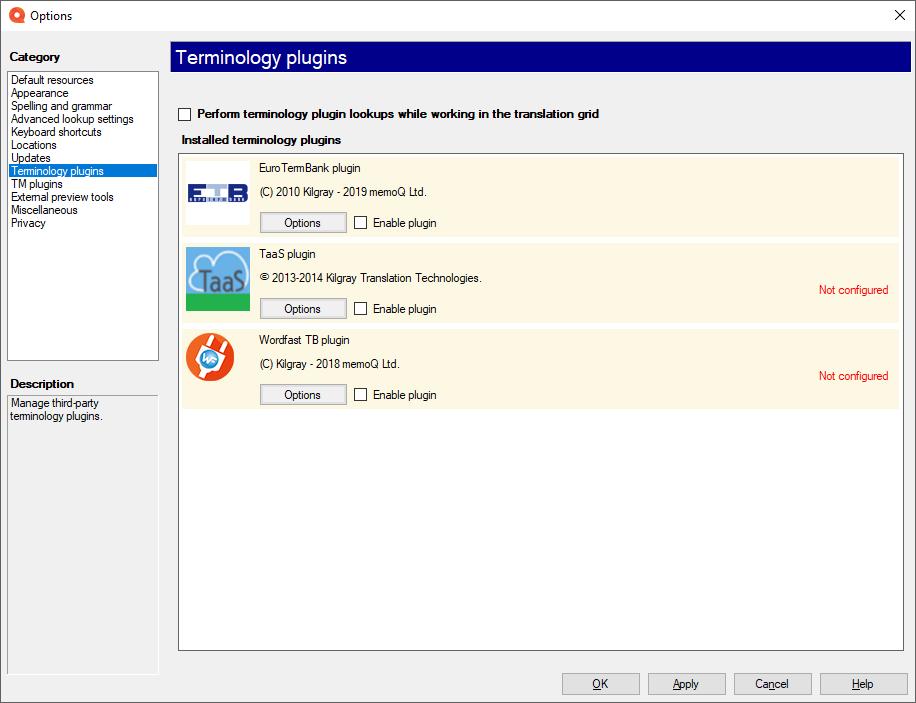
One of the main reasons MemoQ termbases are difficult to convert is their multi-layered structure.
A single term entry may include:
-
✅ Preferred / Allowed terms
-
⚠️ Admitted variants
-
❌ Forbidden or deprecated terms
-
⏳ Pending or review-required terms
These layers are essential for professional terminology management, but they are:
-
Stored in separate data structures
-
Linked via internal IDs
-
Not easily visible in standard exports
5. Why MemoQ Termbases Are Difficult to Convert
Unlike TMX files, MemoQ termbases:
-
Are not flat
-
Contain nested relationships
-
Separate linguistic data from status metadata
Standard exports often:
-
Lose forbidden-term information
-
Flatten concept relationships
-
Become hard to review for non-MemoQ users
This is a major problem when translators need to:
-
Audit terminology
-
Share termbases with clients
-
Review allowed vs forbidden terms
6. Why Translators Need Word and Excel Views of MemoQ Files
Word and Excel remain the most accessible formats in the translation industry.
Being able to view MemoQ files as Word or Excel allows translators to:
-
Filter and sort terminology
-
Highlight forbidden terms
-
Compare languages side by side
-
Perform terminology QA efficiently
Without conversion tools, this process becomes slow and error-prone.
7. Using the Linigu SDL Studio Converter for MemoQ Files
Although originally designed for SDL Trados, the Linigu SDL Studio Converter also supports MemoQ file conversion.
With a free registration on linigu.cloud, translators can:
-
Convert MemoQ Translation Memories
-
Convert MemoQ Termbases
-
Open files instantly as Word or Excel
-
Analyze terminology without opening MemoQ
This makes Linigu a bridge tool between CAT tools and human-readable formats.
8. Practical Use Cases for MemoQ Translators
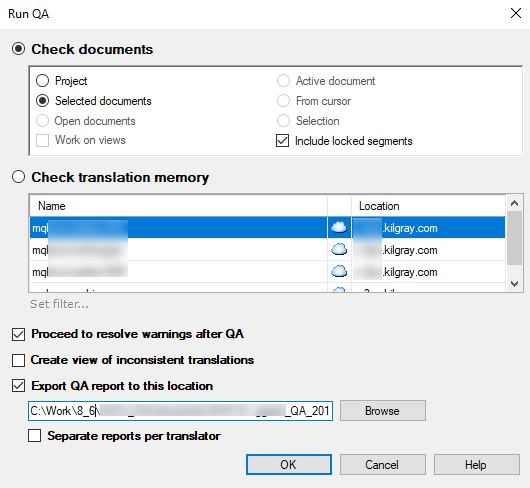
Common real-world scenarios include:
-
Reviewing client-provided MemoQ termbases
-
Identifying forbidden terms before delivery
-
Sharing terminology with reviewers
-
Preparing terminology reports for QA
Instant Word and Excel access can save hours of manual work per project.
9. MemoQ and SDL Trados in Mixed Workflows
Many translators today work with both MemoQ and SDL Trados. Conversion tools that support both ecosystems are especially valuable.
Linigu allows translators to:
-
Normalize linguistic data
-
Compare resources across tools
-
Maintain consistent terminology
-
Work independently of CAT tool licenses
Conclusion
Translation Memories and Termbases in MemoQ serve very different purposes — and their technical structures reflect this difference.
-
Translation Memories are linear, segment-based, and easy to export
-
Termbases are concept-based, layered, and technically complex
Understanding this distinction explains why:
-
TM files convert easily to Word or Excel
-
Termbases require advanced conversion tools
With the Linigu SDL Studio Converter, translators finally have a practical way to:
-
Instantly view MemoQ files
-
Analyze terminology properly
-
Work efficiently outside MemoQ
For translators who value transparency, speed, and quality, this visibility is no longer optional — it is essential.

Comments ()
No comments yet. Be the first to comment!