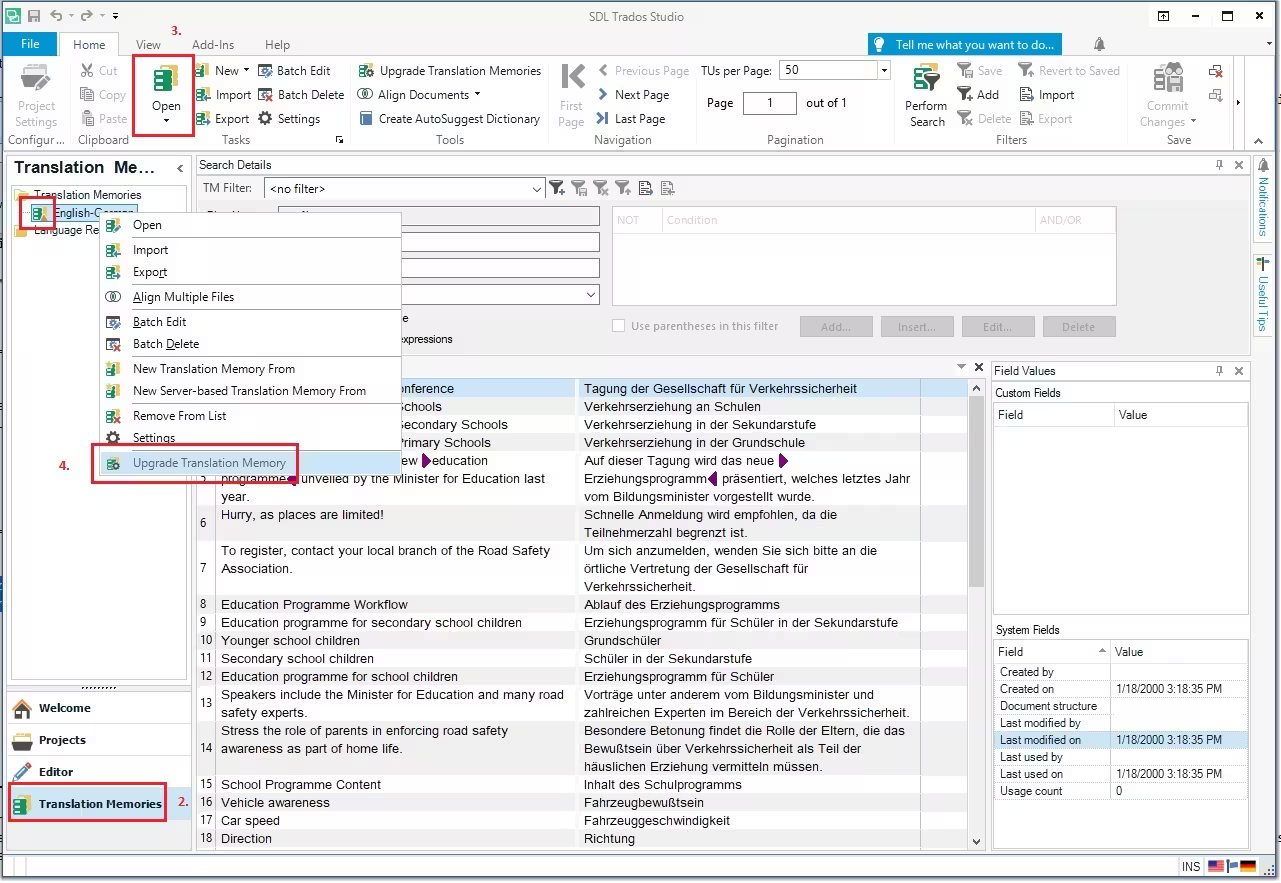
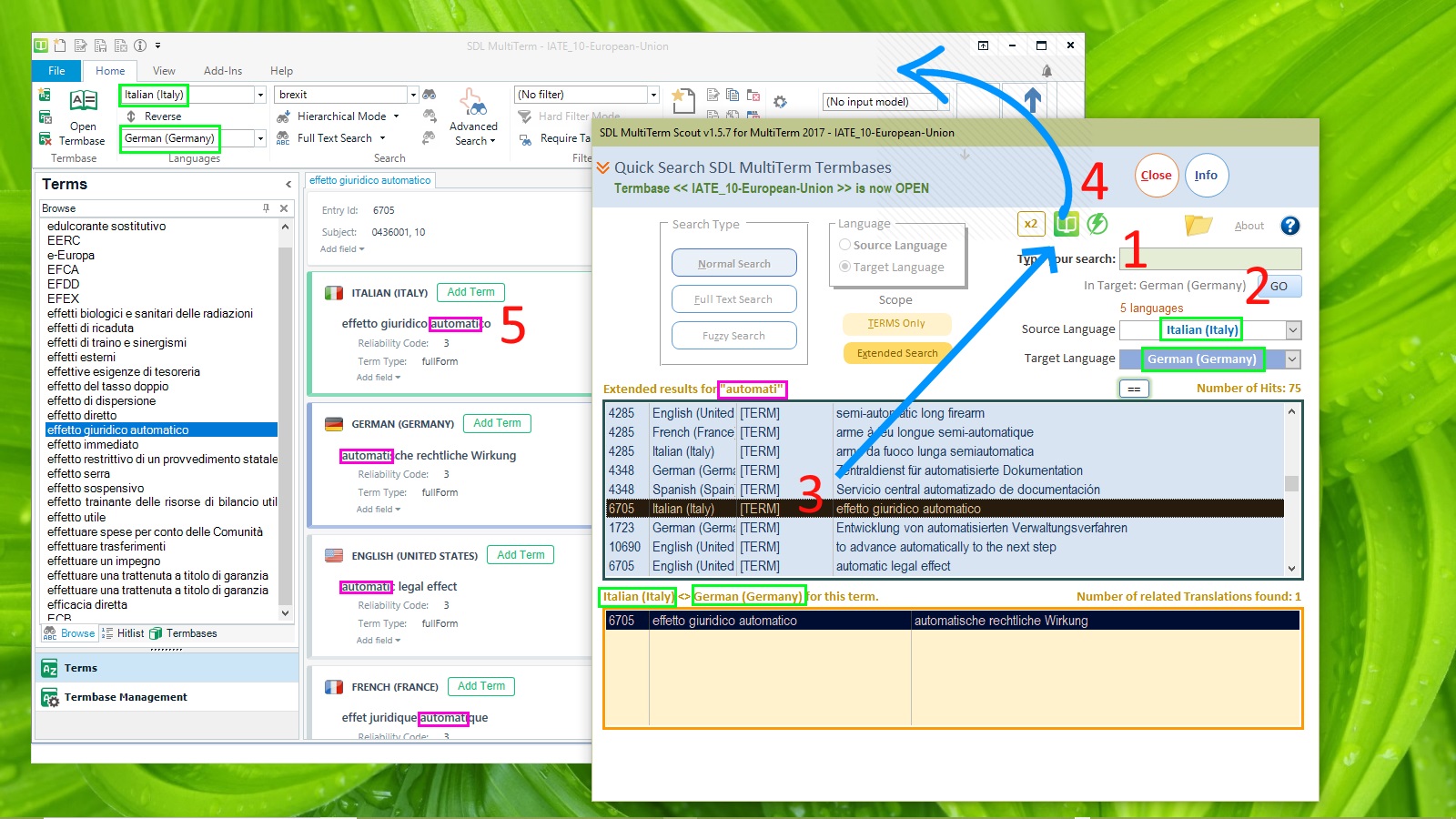
SDL Trados Studio is one of the most widely used CAT tools in the translation industry. At the core of Trados workflows are two critical linguistic resources: Translation Memories (TM) and Termbases (TB).
At first glance, both seem similar — they store linguistic data and help translators work faster and more consistently. However, when it comes to exporting, converting, and analyzing these files, translators quickly notice a major difference:
👉 Translation Memories are relatively easy to export and convert.
👉 Termbases are complex, layered, and notoriously difficult to handle outside Trados.
In this article, we will explain:
-
What Translation Memories and Termbases really are
-
Why TM files (XML, TMX) are easier to convert
-
Why Termbases contain multiple layers such as allowed, forbidden, and status-based terms
-
How translators can view and analyze these files as Word or Excel documents using the Linigu SDL Studio Converter
1. What Is a Translation Memory in SDL Trados?
A Translation Memory (TM) is essentially a bilingual database that stores:
-
Source segments
-
Target segments
-
Metadata (language pairs, dates, authors, match percentages)
Each segment pair is relatively flat and linear, which is why TMs are easier to export and reuse.
Common TM file formats
-
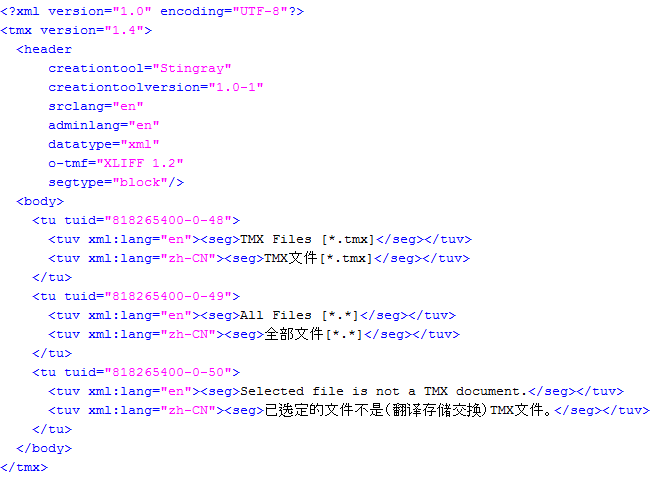
TMX (Translation Memory eXchange)
-
XML-based Trados exports
-
SDLTM (internal Trados format)
TMX files are designed specifically for interoperability, which makes them:
-
Easy to parse
-
Easy to convert
-
Easy to import into other CAT tools
This is why most translators are already familiar with TMX → Excel or TMX → Word workflows.
2. Why Translation Memories Are Relatively Easy to Convert

From a technical perspective, Translation Memories:
-
Follow predictable XML structures
-
Contain repetitive segment patterns
-
Have limited hierarchical depth
This means that conversion tools can:
-
Extract source and target text reliably
-
Preserve alignment
-
Output clean tables for Excel or Word
Typical Excel output:
| Source | Target | Match Type | Date |
|---|
For translators, this makes TMs ideal for:
-
Quality checks
-
Terminology extraction
-
Client reviews
-
Linguistic audits
3. What Is a Termbase and Why Is It More Complex?
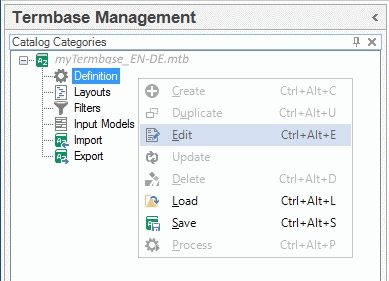
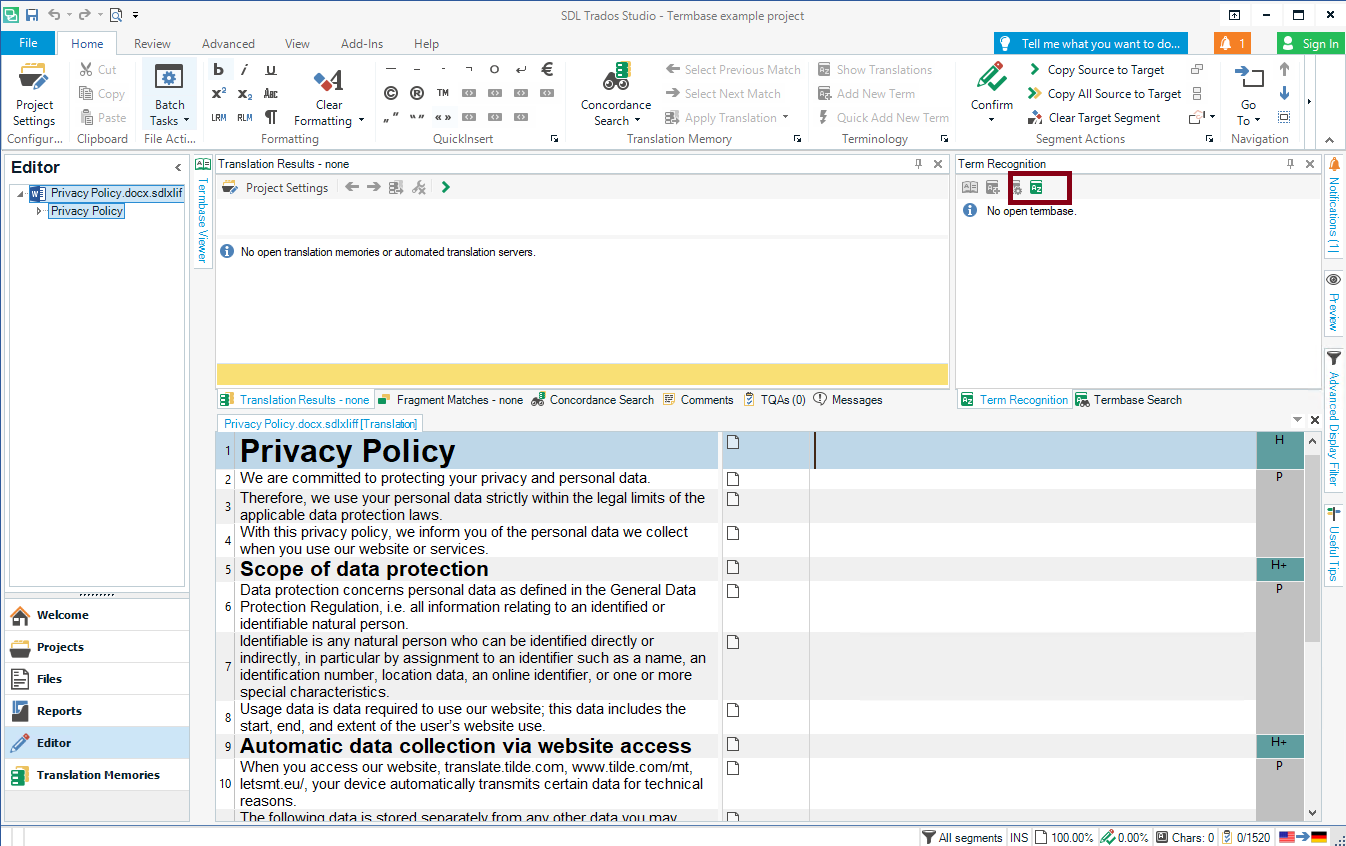
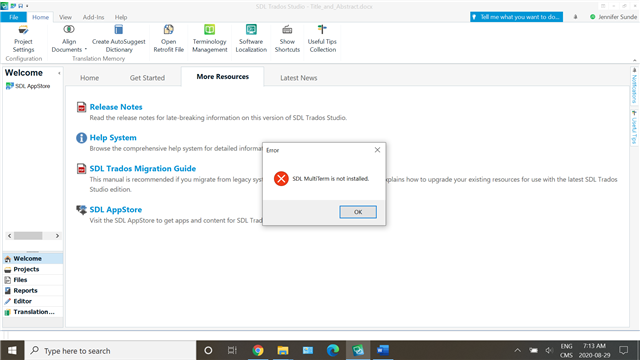
A Termbase in SDL Trados (usually managed via MultiTerm) is not just a list of terms. It is a multi-layered linguistic system.
A single term entry may include:
-
Multiple languages
-
Synonyms and variants
-
Term status (allowed, forbidden, preferred)
-
Subject fields
-
Usage notes
-
Client-specific rules
Unlike Translation Memories, termbases are concept-based, not segment-based.
4. The Hidden Layers Inside SDL Trados Termbases
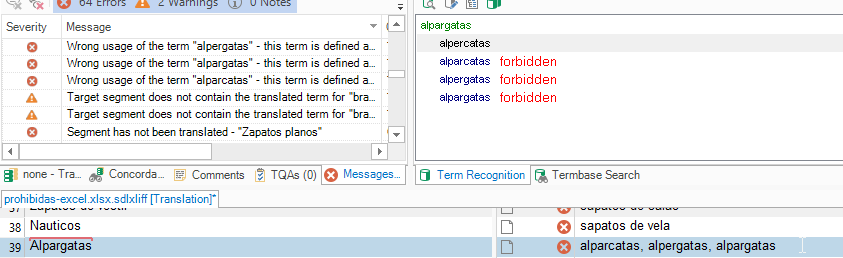

One of the biggest challenges in termbase conversion is the presence of terminology layers, such as:
-
✅ Preferred / Allowed terms
-
⚠️ Admitted terms
-
❌ Forbidden / Deprecated terms
-
⏳ Pending or “ausstehend” terms
These layers are often stored:
-
In different tables
-
With different IDs
-
Linked via concept IDs rather than visible terms
This complexity is essential for professional terminology management — but it makes conversion extremely difficult.
5. Why Termbases Are Difficult to Convert to Word or Excel
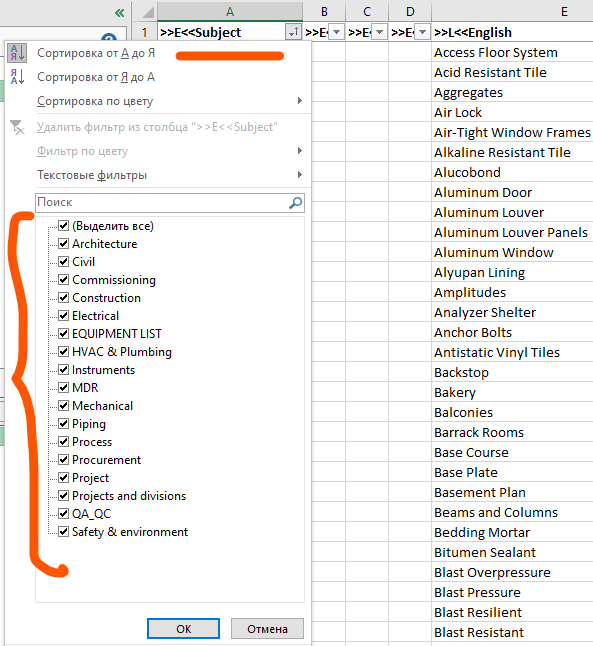
Unlike TMX, SDL Trados termbases:
-
Are not flat files
-
Contain nested relationships
-
Separate linguistic data from metadata
Standard exports often:
-
Lose forbidden-term information
-
Flatten important relationships
-
Become unreadable for non-Trados users
This is why many translators struggle when they need to:
-
Review termbases outside Trados
-
Share terminology with clients
-
Audit forbidden terms
6. Why Translators Need Word and Excel Views of SDL Files
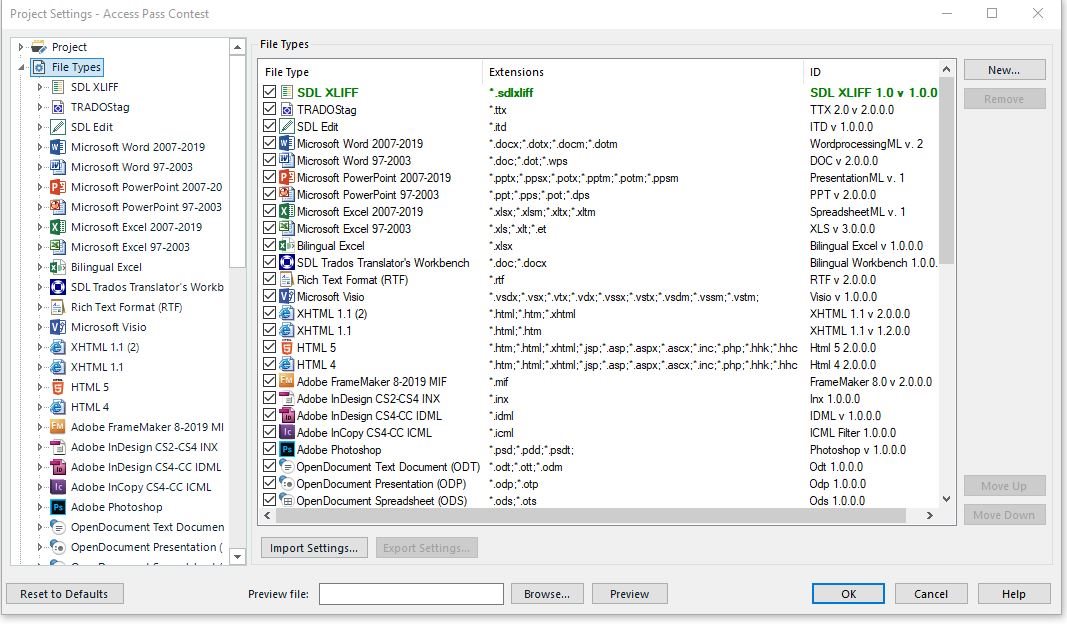
Word and Excel remain the most accessible formats for:
-
Clients
-
Reviewers
-
Project managers
Being able to instantly see SDL files as tables allows translators to:
-
Detect inconsistencies
-
Filter forbidden terms
-
Compare languages side by side
-
Perform terminology QA efficiently
7. How the Linigu SDL Studio Converter Solves This Problem
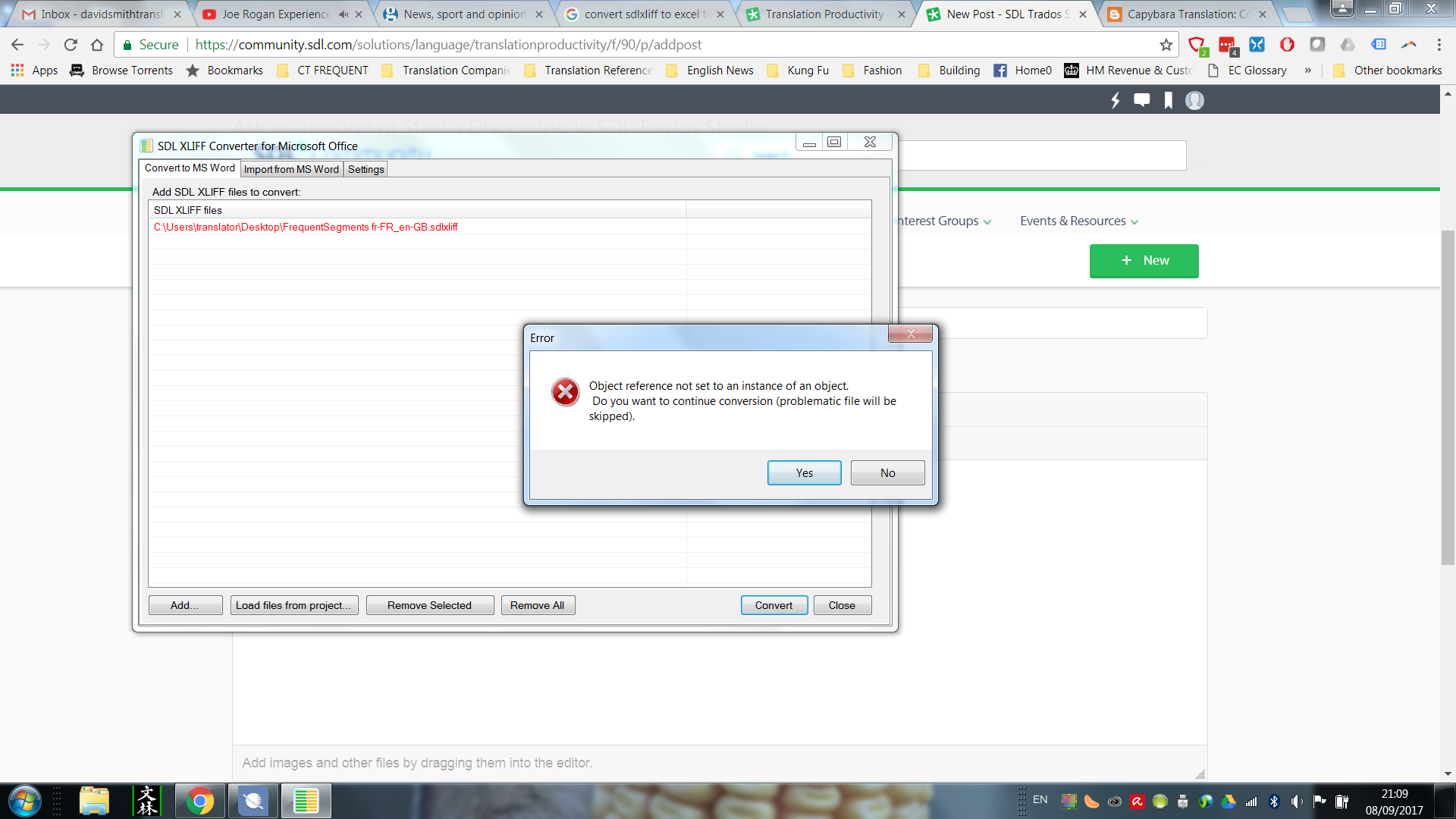


The SDL Studio Converter on linigu.cloud was designed specifically for these real-world problems.
With a free registration, translators can:
-
Convert SDLTM, TMX, SDLXLIFF, SDLTB files
-
View Translation Memories as Word or Excel
-
Extract and analyze terminology
-
Identify forbidden and allowed terms clearly
The converter does the heavy technical work in the background, allowing translators to focus on linguistic quality, not file structures.
8. Practical Use Cases for Translators
Common scenarios include:
-
Auditing a client-provided termbase
-
Checking deprecated terms before delivery
-
Sharing terminology with non-Trados users
-
Preparing terminology reports
In all these cases, instant Word or Excel access saves hours of manual work.
Conclusion
Translation Memories and Termbases are both essential in SDL Trados — but they are fundamentally different in structure and complexity.
-
Translation Memories are linear, segment-based, and easy to export
-
Termbases are concept-based, layered, and technically complex
Understanding this difference explains why TM files convert easily, while termbases require specialized tools.
With the Linigu SDL Studio Converter, translators finally have a practical solution to:
-
View SDL files instantly
-
Analyze terminology properly
-
Work efficiently outside Trados
For professionals working daily with SDL Trados resources, this visibility is no longer optional — it is essential.
Comments ()
No comments yet. Be the first to comment!